Works offline
If the connection drops, clock-ins are stored locally and sync once the network is back.
The terminal
The tablet by the door is the Timu terminal. Tap a card, press one button, see a green confirmation: a shift change takes a few seconds, and nobody has anything to learn.
Step by step
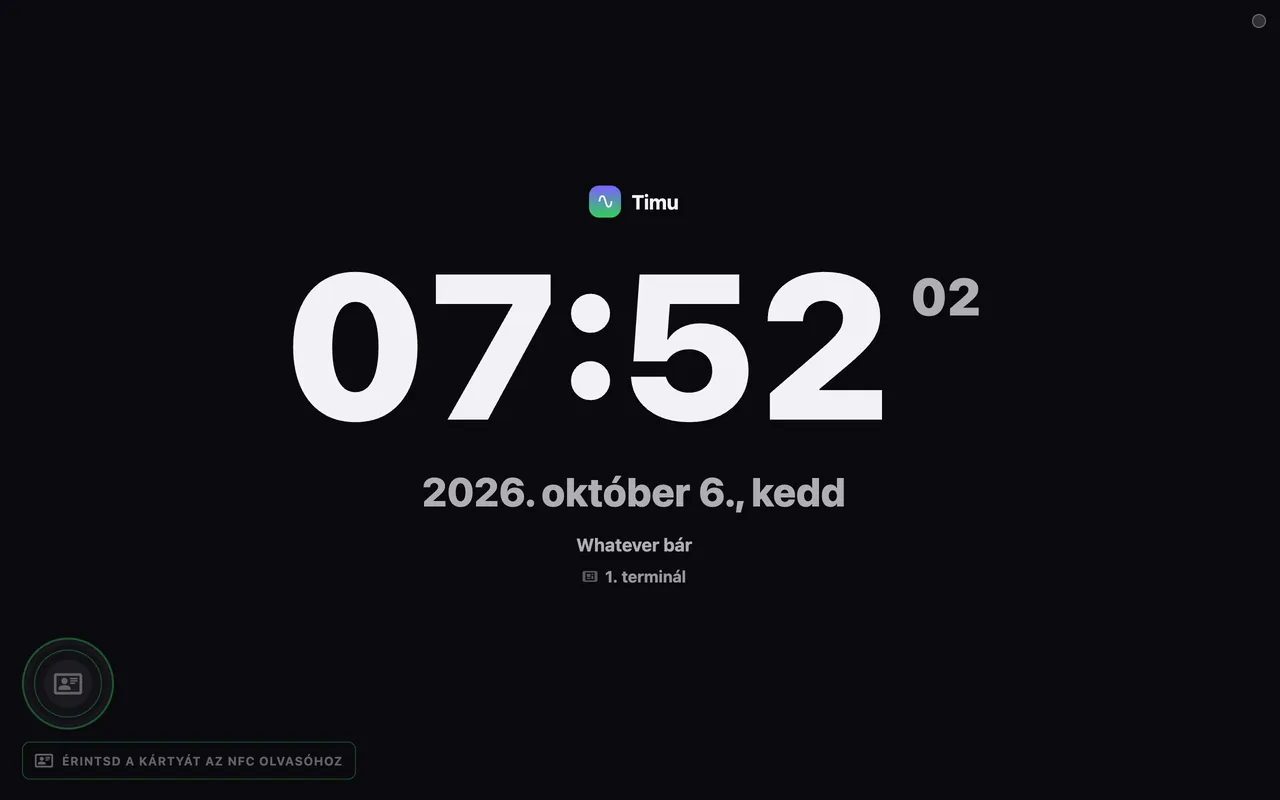
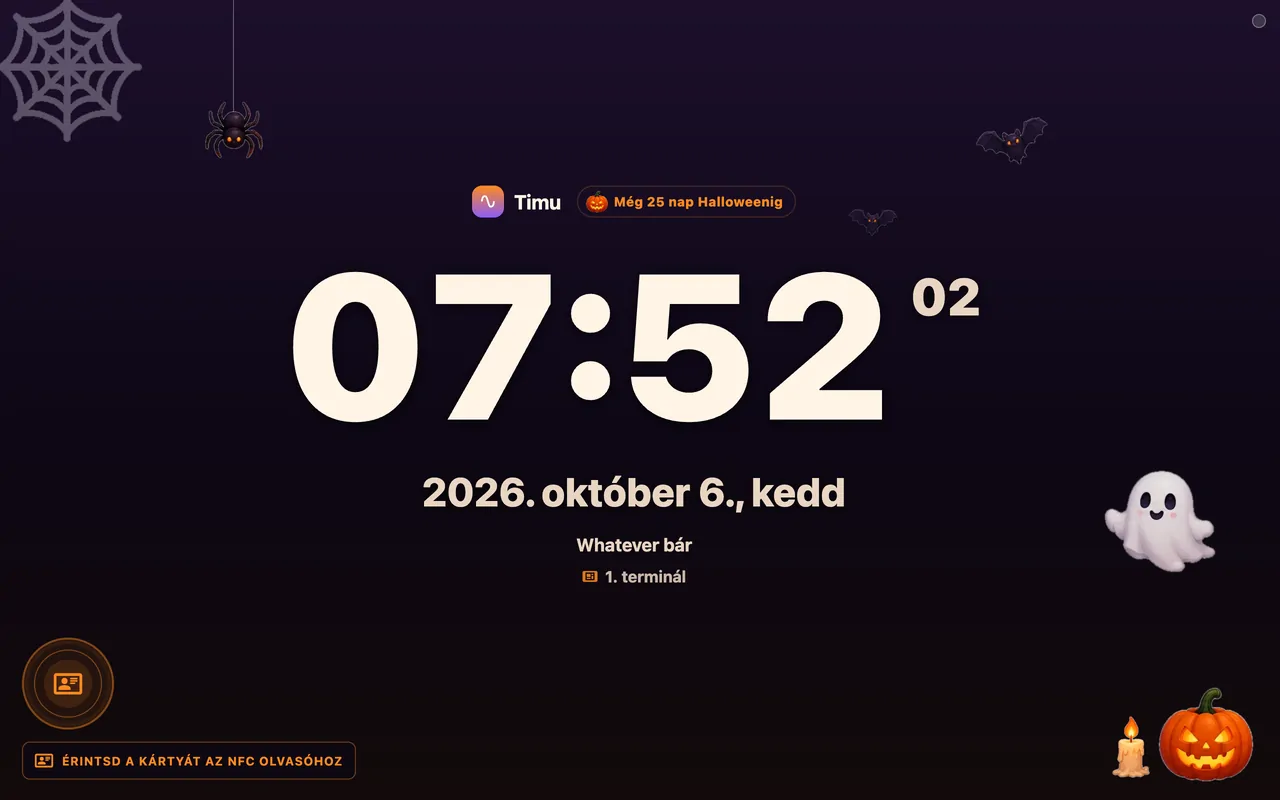
A large clock, the date, the site name, and a clear marker for the NFC reader. Between 20:00 and 06:00 the display dims itself.
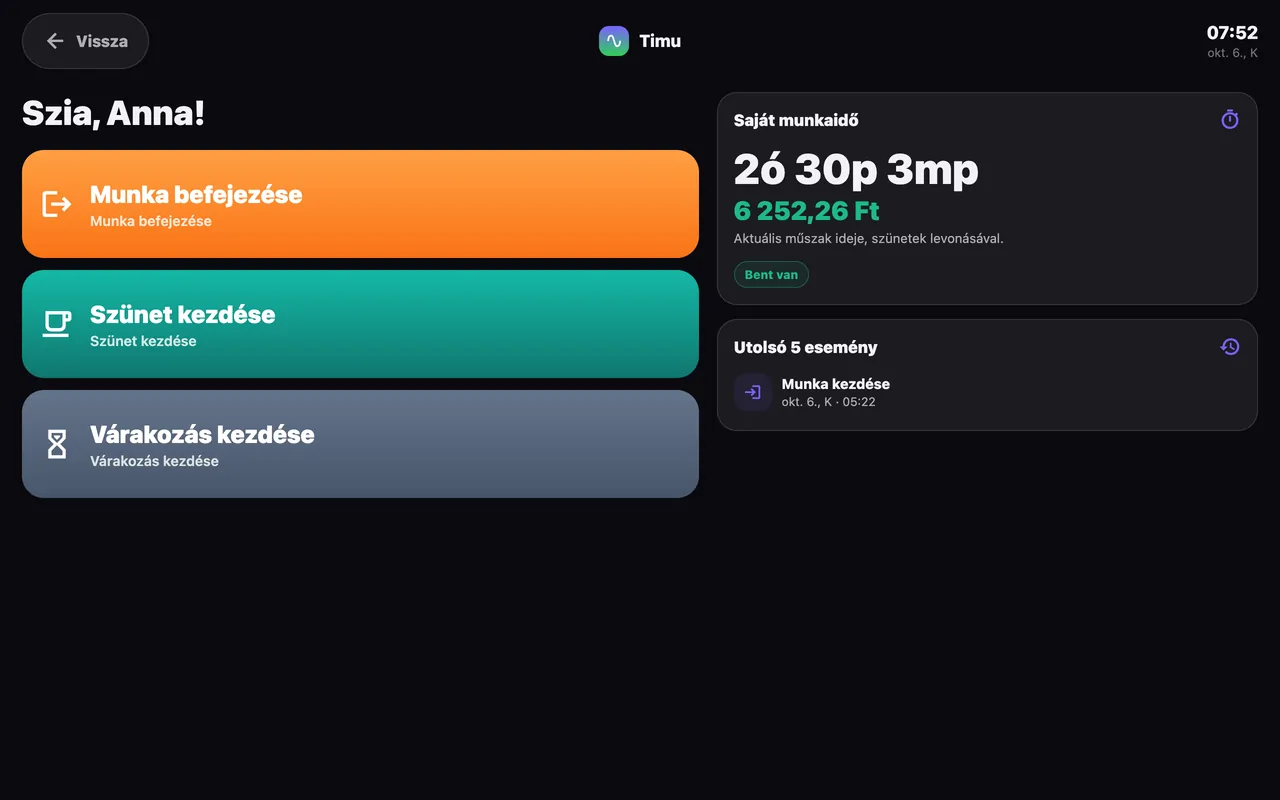
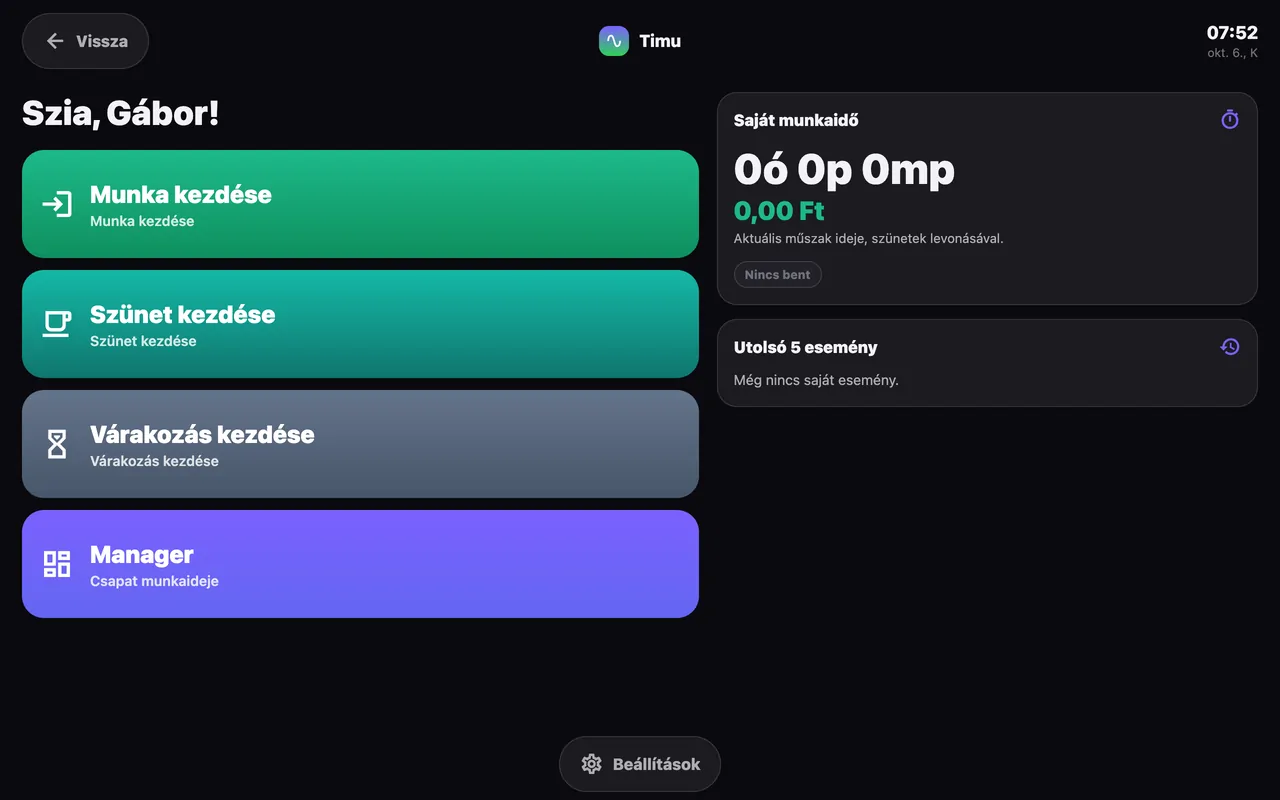
The card identifies the person. They are greeted by name, see their current hours, earnings and latest events, then pick one large button.
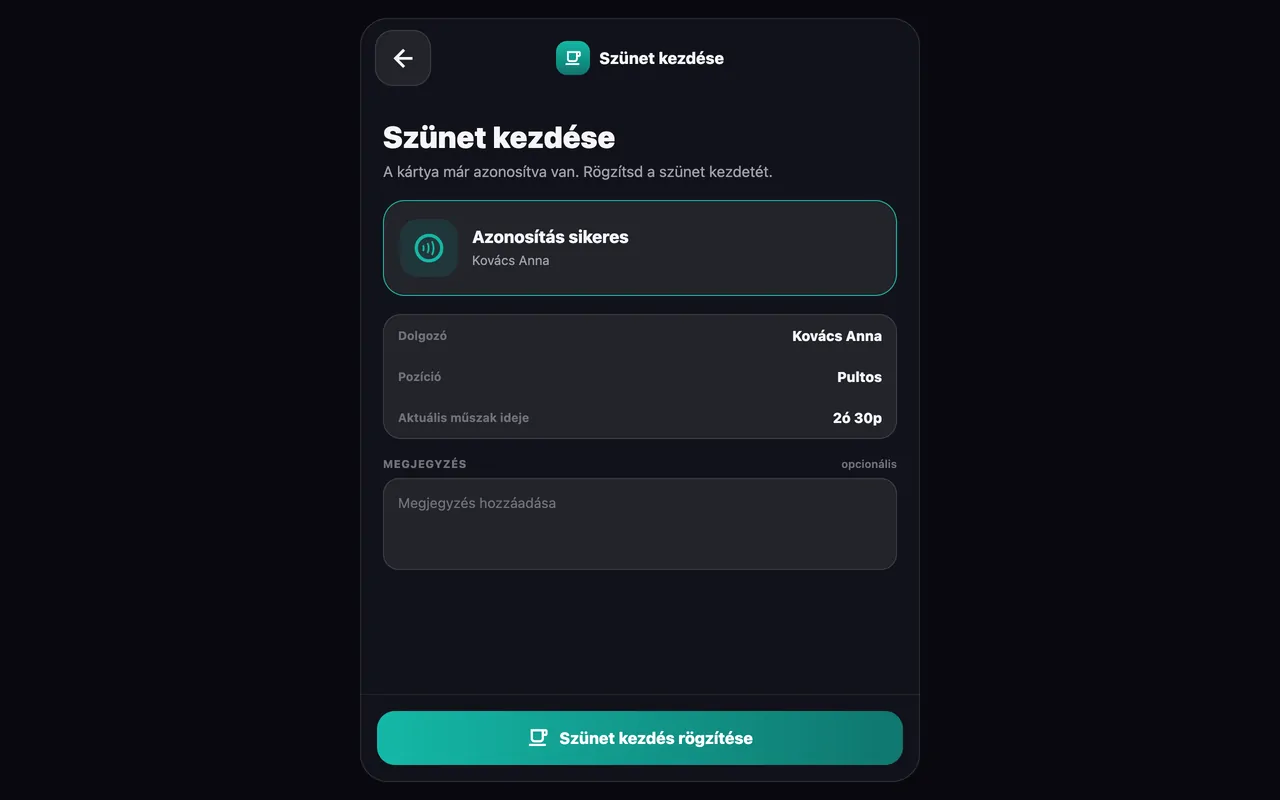
A summary with their details and the shift time so far. A note can be added when something is out of the ordinary.
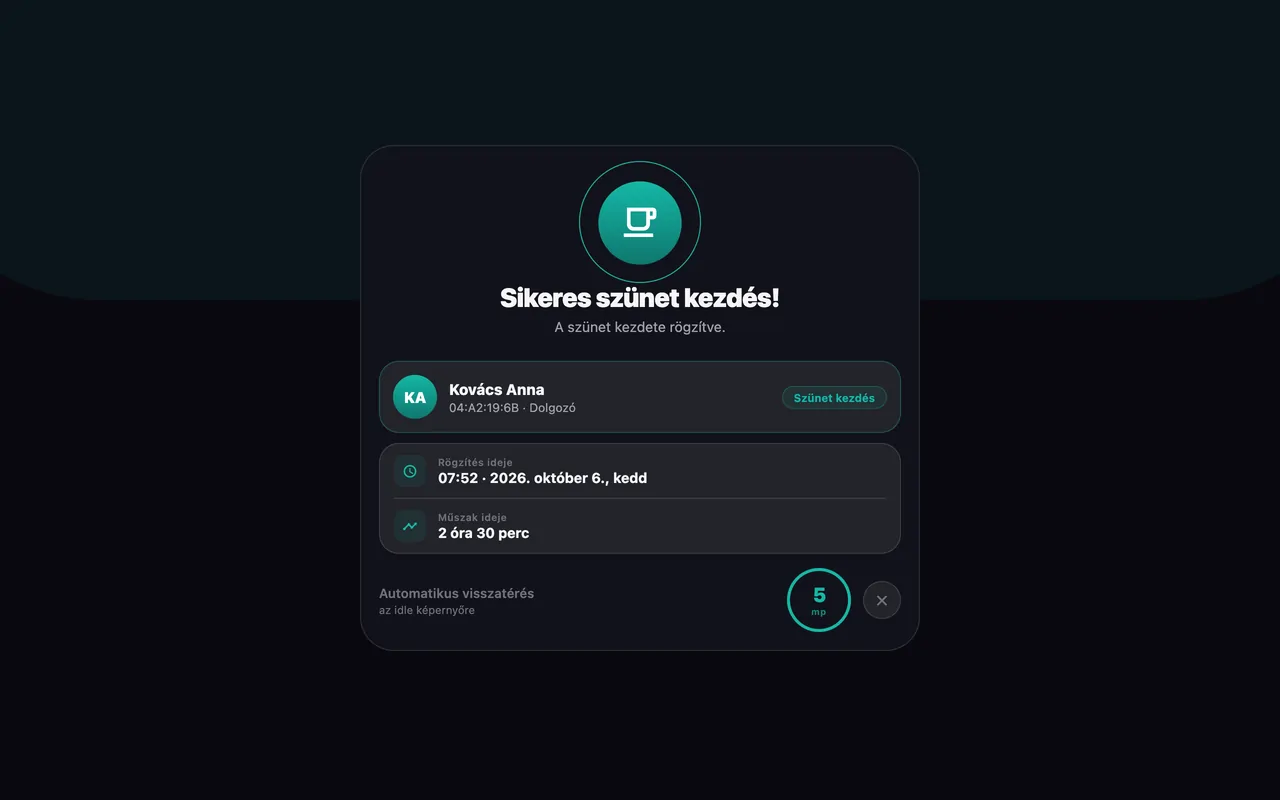
Colour-coded feedback with the exact time recorded. After a few seconds the terminal resets itself for the next person.
Videos
With a manager card
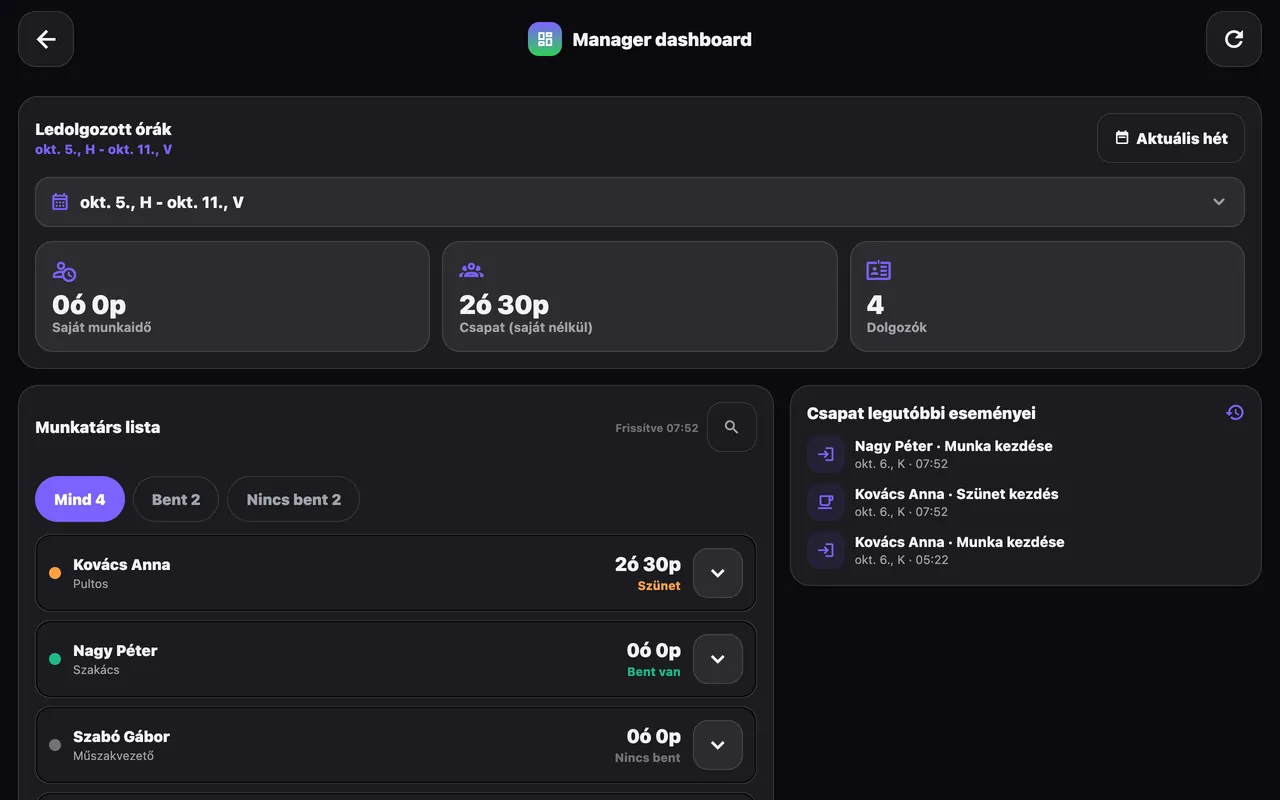
A manager card unlocks an extra menu: who is in, who is on a break, how many hours the team has worked this week and the latest events, without opening the back office.
The details
If the connection drops, clock-ins are stored locally and sync once the network is back.
Between 20:00 and 06:00 the display fades so it does not light up an empty room.
Separate sounds for a card read and a successful record, if you want them. Can be switched off.
Hungarian, English and German. The language follows the employee’s card.
Optionally close any shift left open for more than 24 hours automatically.
In October, for example, a Halloween theme: the terminal dresses up by the calendar and switches back by itself.
Can be switched offFree for 30 days, no commitment. The tablet arrives set up.
7-inch 79,990 HUF11-inch 129,990 HUFnet, one-off · First 30 days free*
*Free terminal: for the first 30 days, the price of the chosen terminal is held as a deposit. If you return it after 30 days in the condition it was handed over, with its box and accessories, we refund the full amount.